

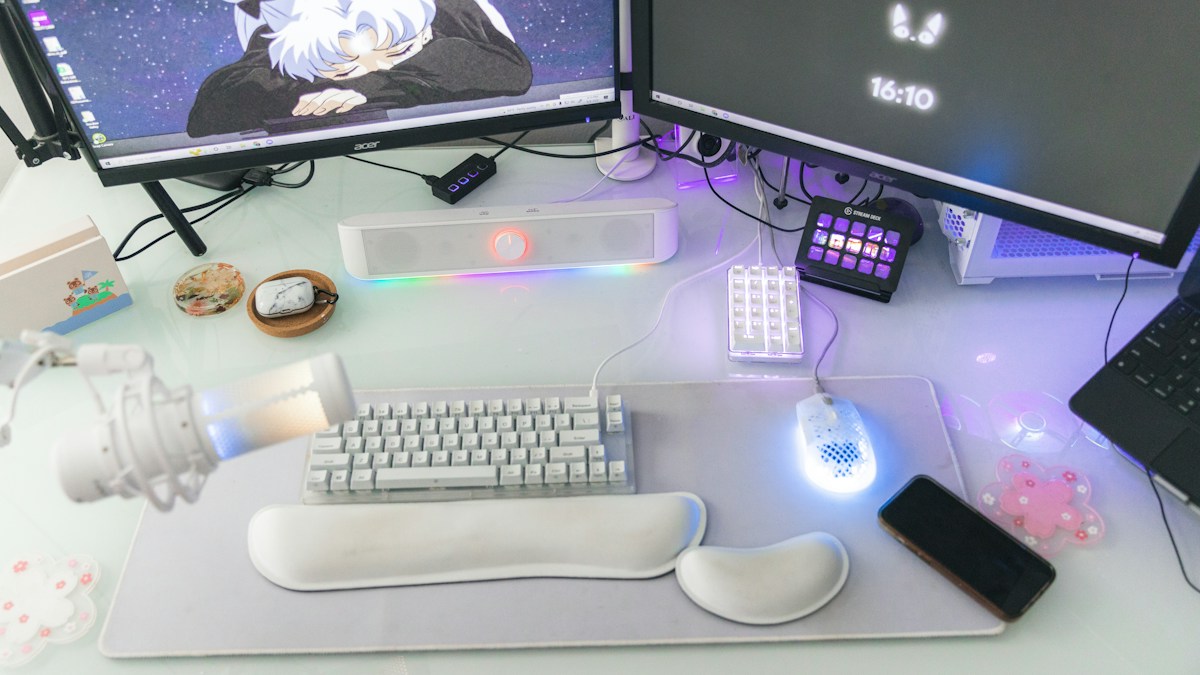
Unlearning traditional staggered habits: tenting ergonomics, shoulder width alignment, and muscle memory training.
The Biomechanics of Traditional Keyboard Strain
Standard rectangular keyboards force human hands into three anatomically compromised postures: Ulnar Deviation (bending wrists outward toward the pinkies), Forearm Pronation (rotating wrists flat against the desk surface), and Shoulder Scapular Rounding (hunching shoulders inward to keep hands close together). Over years of daily typing, these chronic stresses contribute to carpal tunnel syndrome and RSI.
Shoulder-Width Spacing and Natural Thoracic Posture
A true split keyboard separates into two independent halves connected by a flexible TRRS or wireless link. Positioning each half directly in front of your shoulder joints allows your chest and clavicles to open naturally, instantly eliminating upper back tension and neck fatigue during long typing sessions.
The 14-Day Muscle Memory Re-training Protocol
The first three days on an ortholinear or split keyboard will cause typing speed to drop by roughly 40%. This is normal. Dedicate 20 minutes each morning to deliberate touch-typing drills on platforms like Monkeytype. By day 10, touch-typists generally regain their baseline words-per-minute with vastly lower muscular strain.
Technical Specifications & Reference Matrix
| Keyboard Geometry | Ulnar Deviation | Forearm Pronation | Learning Curve |
|---|---|---|---|
| Standard 100% Board | Severe (15° – 25° bend) | Full 90° Pronation (Unnatural) | Zero (Familiar habit) |
| Fixed Curved Ergonomic (Wave) | Moderate (Reduced 5°) | Mild Tenting (10° angle) | 1 to 2 Days |
| Full Split Staggered | Zero (Straight wrist) | Customizable Tenting | 3 to 5 Days |
| Split Ortholinear / Columnar | Zero (Straight wrist) | Full Vertical Tenting capable | 7 to 14 Days |
💡 Expert Field Recommendation
Start your split keyboard transition with standard row-staggered split boards (such as the Dygma Raise or Mistel Barocco) before jumping into radical 36-key ortholinear boards. This preserves finger muscle memory while immediately correcting shoulder and wrist posture.
Diagnostic Troubleshooting Checklist
- Pinky fingers ache after typing on split board: You are reaching too far for backspace or enter. Move Backspace and Enter to thumb cluster keys using programmable layout firmware.
Frequently Asked Questions
What switch type is easiest on painful joints?
Light linear switches (35g to 45g actuation force, such as Gateron Red or Kailh Box Silent Pink) require minimal bottoming-out force, reducing finger joint shock.
Article researched and verified by Nolan Drake, dedicated technical specialist and editorial contributor.
