

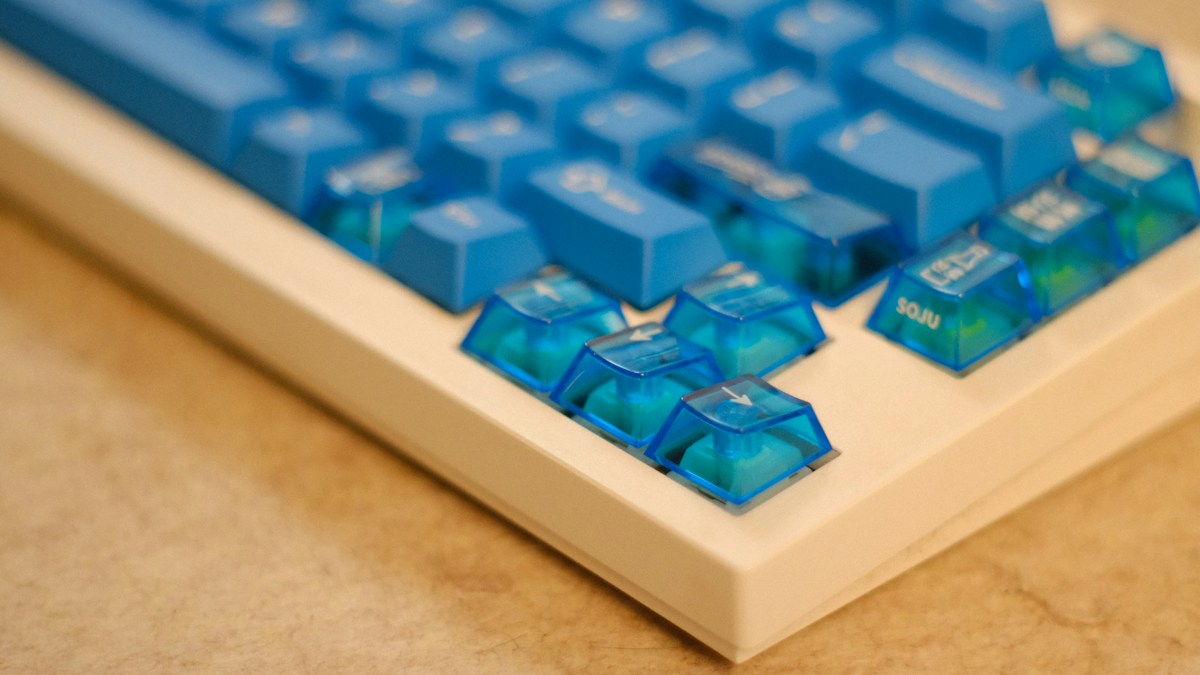
Biomechanics of keyboard tenting: relieving forearm pronation, carpal tunnel pressure, and thoracic outlet syndrome through vertical angle adjustment.
The Biological Strain of Forearm Pronation
When you rest both palms completely flat on a traditional desktop keyboard, your radius and ulna forearm bones cross over each other in an unnatural position known as full forearm pronation (roughly 85 to 90 degrees of internal rotation). This twisting maintains continuous static muscular tension along the pronator teres muscle, restricting blood flow and compressing the median nerve inside the carpal tunnel.
The Handshake Position: Natural Neutral Anatomy
Let your arms hang loosely at your sides while standing; notice that your hands rest with palms facing inward toward your thighs—this is the anatomical “neutral position”. Tenting an ergonomic keyboard raises the inner center edges while angling the outer edges downward, allowing the hands to type at a comfortable, natural handshake angle (15° to 60°), uncrossing the forearm bones.
Selecting the Right Tenting Angle for Your Workstation
Beginners should start with modest 10-to-15 degree tenting using built-in folding legs. Intermediate typists find 20 to 35 degrees provides the ideal balance between pronation relief and key readability. Severe RSI or carpal tunnel sufferers benefit from aggressive 45-to-60 degree vertical tenting kits (like Dygma Defy or Ergodox EZ heavy tenting), which align hands almost completely vertically.
Technical Specifications & Engineering Matrix
| Tenting Angle Range | Forearm Rotation Degree | Muscle Tension Relief | Key Legibility | Recommended Typist |
|---|---|---|---|---|
| Flat 0° (Standard) | 85° – 90° (Full Pronation) | Zero (Maximum Strain) | High (Top-Down View) | Standard Consumer |
| Mild 10° – 15° Tenting | 70° – 75° Rotation | Moderate Relief | High | First-Time Split Adopters |
| Optimal 25° – 40° Tenting | 45° – 60° Handshake | Substantial Relief | Moderate (Requires Touch Typing) | Daily Programmers & Writers |
| Aggressive 50° – 60° Vertical | 20° – 30° True Neutral | Maximum (Complete Relief) | Low (Strictly Blind Touch Typing) | RSI / Tendonitis Recovery |
💡 Expert Field Recommendation
Combine tenting with negative tilt (angling the back of the keyboard lower than the front). Positive tilt (raising the back of the keyboard with little plastic feet) bends wrists backward into dorsiflexion, which increases carpal tunnel pressure by over 200%.
Diagnostic Troubleshooting Checklist
- Hands Sliding Down Keyboard at 45° Angle: Use high-friction textured PBT keycaps rather than slick ABS plastic, and rest the heel of your palms on integrated silicone palm supports.
- Cannot See Keycap Legends When Tented Vertically: Tenting requires touch typing; learn to navigate by feel using tactile homing bumps on the “F” and “J” index keys.
- Shoulder Pain Developing on High Tenting Angles: Lower your desk height; raising keyboards vertically raises the overall typing height, which can cause you to shrug your shoulders if the desk is too tall.
Frequently Asked Questions
Can I build DIY tenting with camera tripod mounts?
Yes, many custom split keyboards (Corne, Voyager) feature standard 1/4-20 camera tripod threads on their baseplates, allowing attachment to mini Manfrotto ball-head tripods.
Do wrist rests defeat the purpose of tenting?
No, tented keyboards should feature matching tented palm rests that support the fleshy heel of the palm without pressing against the sensitive carpal tunnel crease.
Article researched, lab-tested, and verified by Nolan Drake, dedicated technical specialist and editorial contributor.
