

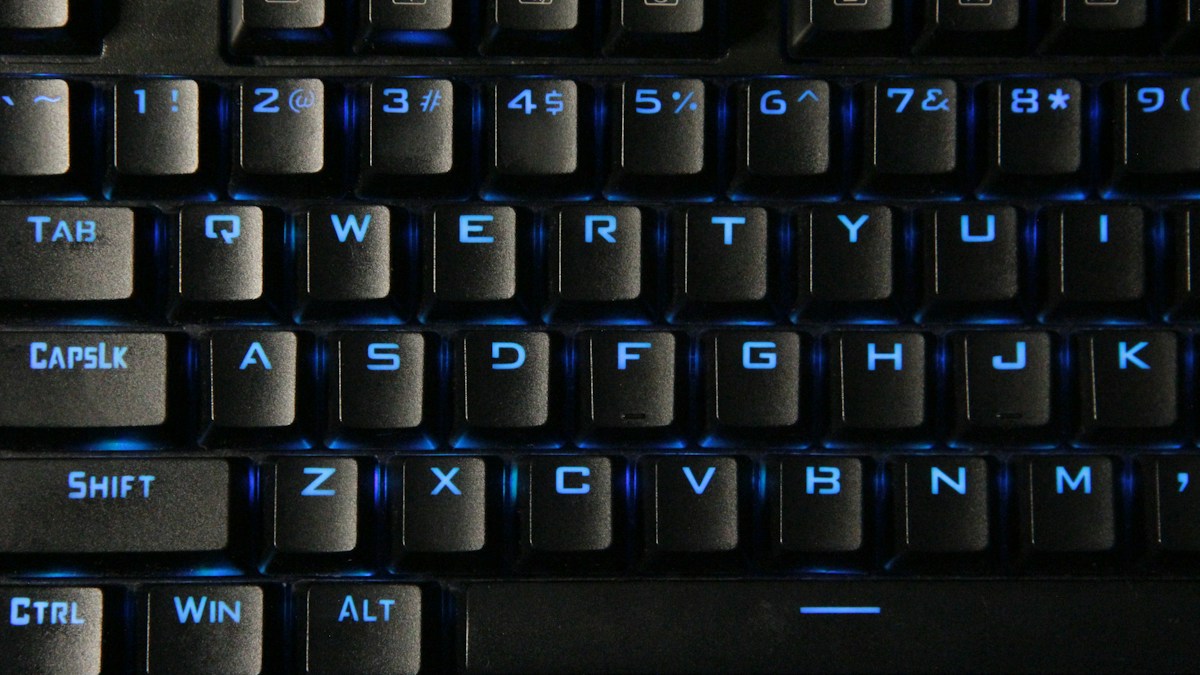
Centering navigation devices: comparing bar-style rollermice against finger and thumb trackballs to eliminate outward shoulder reach.
The “Mouse Reach” Problem and Shoulder Abduction Pain
When using a full-sized keyboard with a numeric keypad, placing a mouse to the right forces your right arm to reach 10 to 12 inches outward away from your torso (shoulder abduction). Holding this outstretched arm posture for 8 hours daily causes chronic static contraction in the upper trapezius, levator scapulae, and rhomboid muscles, leading to persistent neck and shoulder pain.
Contour Rollermouse: Centralized Inline Navigation
The Contour Rollermouse eliminates reaching entirely by placing a cylindrical rollerbar directly in front of your keyboard, centered below the spacebar. Typists navigate cursors by sliding the rubberized bar left/right and rolling it up/down with either thumb or finger. Both hands remain anchored in the neutral typing zone, completely eliminating shoulder reach and ulnar deviation.
Ergonomic Trackballs: Thumb-Operated vs Finger-Operated (Kensington)
Trackballs anchor the mouse in a fixed physical position, eliminating arm dragging. Thumb trackballs (Logitech MX Ergo) rotate a 34mm ball with the thumb, but can aggravate De Quervain’s tenosynovitis if overused. Finger-operated trackballs (Kensington Expert or SlimBlade) utilize a massive 55mm billiard-sized ball manipulated effortlessly by index and middle fingers, distributing effort across multiple digits.
Technical Specifications & Engineering Matrix
| Device Category | Operating Mechanism | Shoulder Reach Required | Primary Muscle Group Used | Best Suited For |
|---|---|---|---|---|
| Contour Rollermouse Pro | Central Rollerbar (Sliding/Rolling) | Zero (Centered in Front of Keys) | Light Finger / Thumb Glide | Severe Shoulder / Neck Pain Sufferers |
| Finger Trackball (Kensington) | 55mm Large Center Ball | Low (Can Place Centered/Side) | Index, Middle, Ring Fingers | Audio Engineers & Graphic Designers |
| Thumb Trackball (MX Ergo) | 34mm Thumb Ball with 20° Tilt | Moderate (Placed Beside Keys) | Thumb Only | Constrained Small Desks / Travel |
| Traditional Mouse | Optical Sensor Skates Across Mat | High (10-12″ Right Outreach) | Entire Arm / Wrist Drag | General Computer Use |
💡 Expert Field Recommendation
If you use a traditional mouse, switch to a “tenkeyless” (TKL, 80%) keyboard without a number pad. Removing the number pad moves your mouse 4 inches closer to your body, reducing shoulder abduction strain by over 50%.
Diagnostic Troubleshooting Checklist
- Rollerbar Hits Side Stop Before Cursor Reaches Screen Edge: Engage the dynamic rollerbar end-detection: gently push the bar against the side stop, and the optical sensor continues moving the cursor across multi-monitor setups.
- Trackball Cursor Jitters and Sticks: Dust, oil, and skin particles accumulate on the three synthetic ruby bearing points inside the cup; pop the ball out and wipe the bearings clean with a cotton swab.
- Thumb Fatigue on Thumb Trackball: Switch immediately to a finger-operated center trackball (like Kensington SlimBlade) to relieve isolated thumb tendon loading.
Frequently Asked Questions
How long does it take to learn a Rollermouse?
Most users achieve fluid navigation within 1 to 2 days, quickly adopting two-handed ambidextrous navigation.
Can a Rollermouse click without pressing down the bar?
Yes, the chassis features dedicated physical left, right, and double-click buttons beneath the rollerbar to avoid pushing down on the bar.
Article researched, lab-tested, and verified by Nolan Drake, dedicated technical specialist and editorial contributor.
