

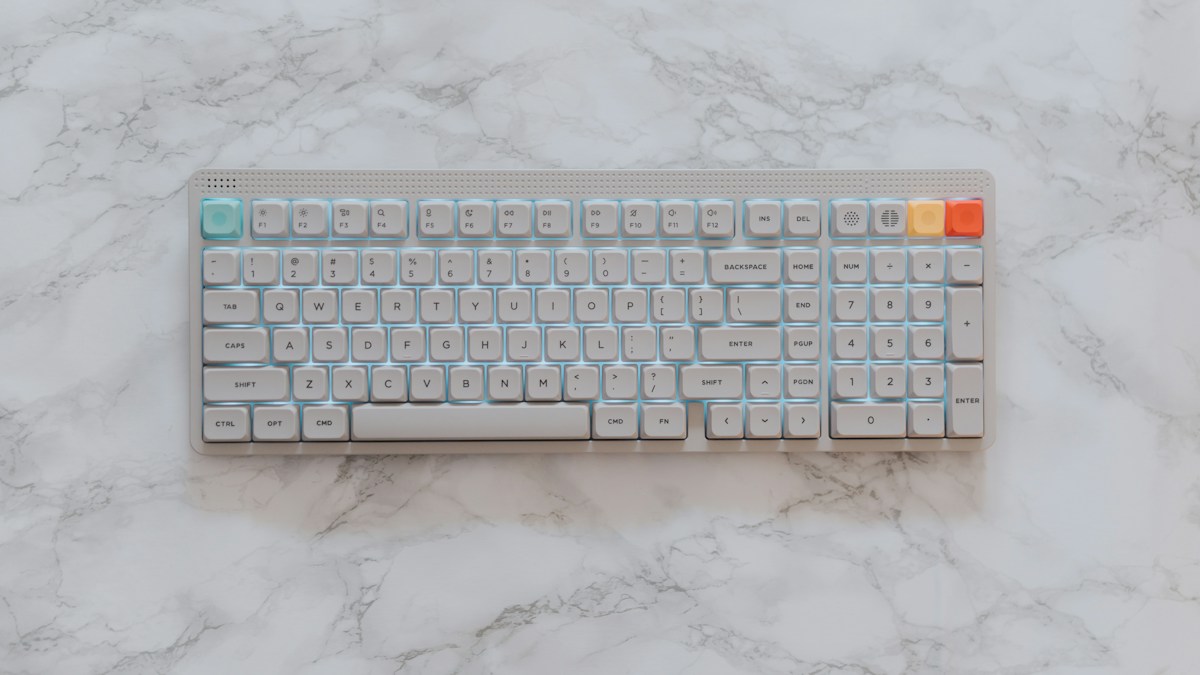
Kinematic redesign of typing layouts: offloading high-frequency modifiers (Shift, Enter, Backspace) to multi-key thumb clusters.
The Evolutionary Mismatch of Traditional Keyboard Design
Human evolutionary biology endowed Homo sapiens with opposable, highly agile, robust thumbs powered by the powerful thenar muscle group. Conversely, the little finger (pinky) is operated by delicate, thin flexor digiti minimi muscles. Traditional keyboard layouts force this weakest finger to execute thousands of high-reach strikes to Control, Shift, and Backspace, leading to pinky tendonitis and ulnar neuropathy.
The Biomechanics of Multi-Key Thumb Clusters
Split keyboards feature dedicated thumb clusters containing 3 to 8 keys positioned directly where thumbs rest naturally. By relocating the spacebar, Backspace, Enter, Delete, Escape, and Layer Toggles onto the thumb cluster, the thumb performs short, comfortable downward and sweeping taps without lateral stretching.
Tuning Thumb Key Spacing to Avoid Hyperextension
Not all thumb clusters are created equal. Clusters that spread keys too far inward (forcing thumbs to tuck uncomfortably into the palm) or too far outward (forcing thumbs to hyper-extend) create localized thenar cramping. Optimal thumb clusters (like Dygma Defy or Kyria) curve downward in an arc that matches the radial sweep of the thumb joint.
Technical Specifications & Engineering Matrix
| Thumb Cluster Design | Key Count Per Side | Thumb Motion Required | Risk of Thenar Strain | Best Hand Size |
|---|---|---|---|---|
| Curved Thumb Arc (Kyria/Defy) | 5 – 8 Keys (Arced) | Natural Radial Sweep | Near Zero | All Hand Sizes |
| Linear Block (Ergodox) | 6 Keys (Straight) | Requires Inward Tucking | Moderate on Small Hands | Large Hands Only |
| Minimalist 3-Key (Voyager/Corne) | 3 – 4 Keys | Direct Downward Tap Only | Zero Strain | Universal Fit |
| Single Spacebar (Standard) | 1 Large Bar | Spacebar Only (Wasted Potential) | Zero Thumb Relief | Obsolete |
💡 Expert Field Recommendation
Assign “Backspace” to the primary thumb key on your non-dominant hand (left thumb) and “Space” to your dominant hand (right thumb). Backspace is the most frequently struck editing key on modern keyboards; tapping it with your left thumb instantly cures pinky reach strain.
Diagnostic Troubleshooting Checklist
- Thumb Joint Aches After 2 Hours of Typing: You are using thumb keys situated too far toward the center; restrict your active typing strictly to the 2 or 3 keys closest to your natural thumb resting position.
- Accidentally Hitting Two Thumb Keys Simultaneously: Install convex or taller keycaps on primary thumb keys to create physical tactile separation between adjacent buttons.
- Tucking Thumb Deep Under Palm: Angle the keyboard halves slightly outward (reverse splay) to open the angle between your thumb and index finger.
Frequently Asked Questions
How many keys should a thumb cluster have?
Most ergonomic researchers agree that 3 primary keys per thumb is the optimal sweet spot: one for Space, one for Backspace/Enter, and one for momentary Layer Shift.
What is a Layer Shift key?
A layer shift acts like a momentary Shift key, transforming the rest of the keyboard into numbers, arrow keys, or symbols while the thumb holds down the key.
Article researched, lab-tested, and verified by Nolan Drake, dedicated technical specialist and editorial contributor.
